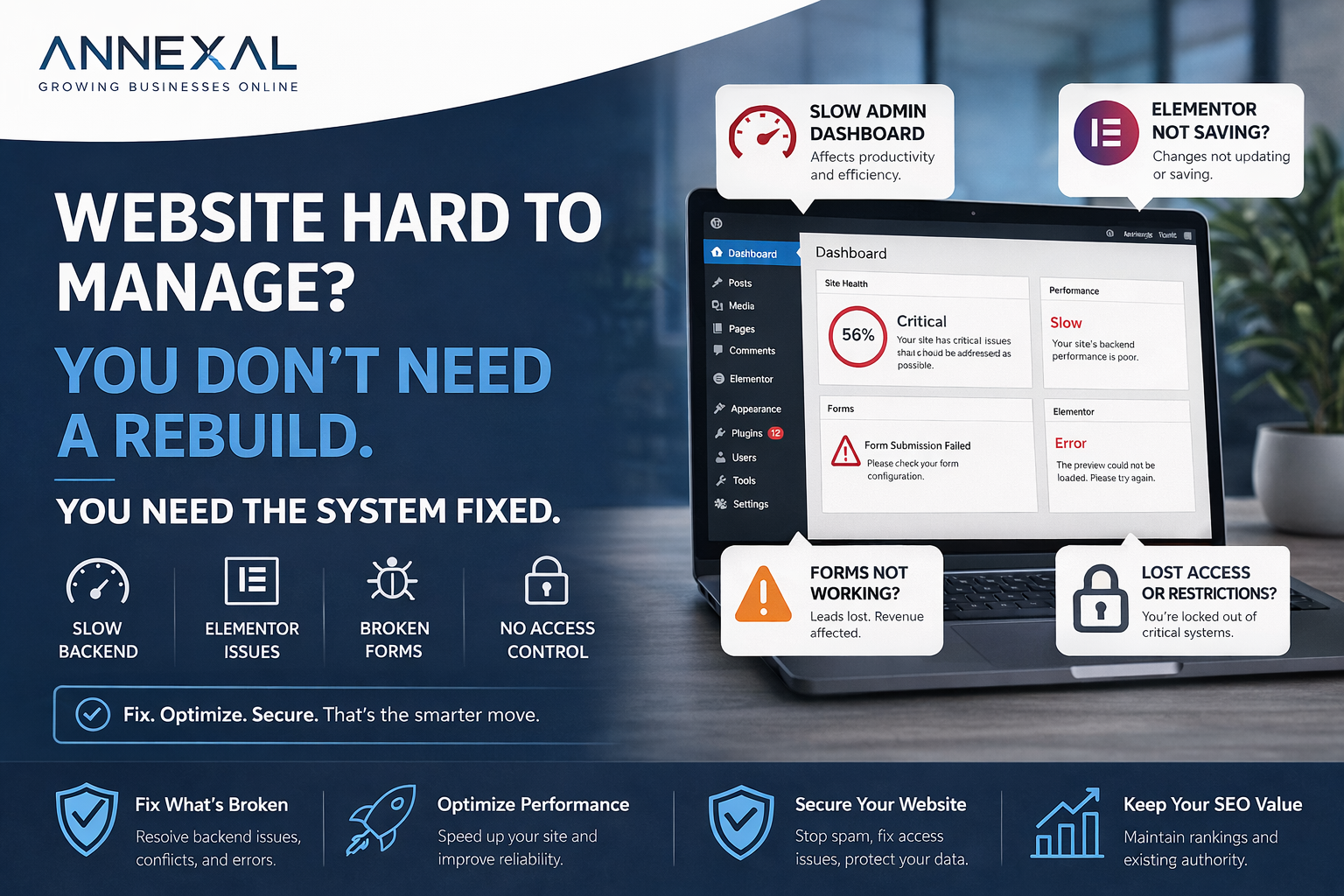
A website doesn’t need to be down to be a problem. Some of the most damaging issues happen when your team can’t make updates, changes don’t save, and the backend feels unstable — while the frontend looks perfectly fine.
The situation
We were brought in by an industrial coatings company for what seemed like a simple admin email update. What we found underneath was a website dealing with serious technical debt.
- Elementor not saving changes consistently
- “Disconnected” errors during publishing
- Slow WordPress admin dashboard
- Forms not showing on key pages
- Plugin update failures
- Access tied to a previous agency
Key insight: Most people assume “Elementor is broken” or “WordPress is slow.” In reality, it’s almost always a combination of plugin conflicts, outdated tools, unnecessary load, and server-level limitations — not the editor itself.
What was actually causing the problem
Multiple plugins were overlapping and interfering with each other’s operations.
Premium plugins couldn’t update properly due to missing or expired licenses.
WooCommerce was installed even though the site had no eCommerce functionality.
The hosting environment struggled to handle real-time editing requests from Elementor.
How we fixed it — step by step
Step 1 — Regaining control of the website
Before fixing performance, we had to fix access. We restored access to the business email, set up SMTP for reliable email delivery, updated the WordPress admin email, and verified notifications and password recovery. This step alone prevents silent failures — especially with form submissions and alerts going to a previous agency’s inbox.
Step 2 — Fixing Elementor not saving
This was the biggest frustration. We tested page structure, plugin compatibility, theme behaviour, and server response during save requests. The finding: Elementor wasn’t the problem. The environment around it was — specifically the plugin conflicts and server limitations that were timing out save requests before they completed.
Step 3 — Cleaning up the plugin stack
This was the turning point. We removed unnecessary plugins, disabled conflicting tools, restored proper plugin licensing, and reduced overall system load. Removing WooCommerce alone — a heavyweight plugin with no active use — significantly improved stability across the board.
Step 4 — Fixing forms without breaking lead flow
Forms are the backbone of lead generation, so this had to be handled carefully. We verified form notifications, checked email routing, and restored missing forms. The culprit: spam protection settings that were blocking legitimate form visibility on key pages. We removed the restrictive rules and replaced them with CAPTCHA-based filtering that stops spam without hiding the form from real visitors.
The result
Without rebuilding a single page, we restored the entire backend to a working, stable state:
- Elementor saving reliably on every publish
- Form visibility restored on all key pages
- Crashes and editor disconnects eliminated
- Backend performance noticeably improved
- Full admin access returned to the business owner
Fix vs. rebuild — how to decide
Most businesses jump straight to “we need a new website.” But if your site has a solid structure, a working frontend, and existing SEO value — fixing it is almost always the better move.
- Backend is slow but frontend works
- Editor is inconsistent or crashing
- Forms are unreliable
- Access is limited or broken
- Structure is fundamentally outdated
- Design no longer fits your brand
- The site is beyond repair
Frequently asked questions
Is your WordPress site unstable?
You likely don’t need a rebuild. You need the system fixed.
We diagnose and fix WordPress performance issues, plugin conflicts, and admin instability — without touching your frontend.
