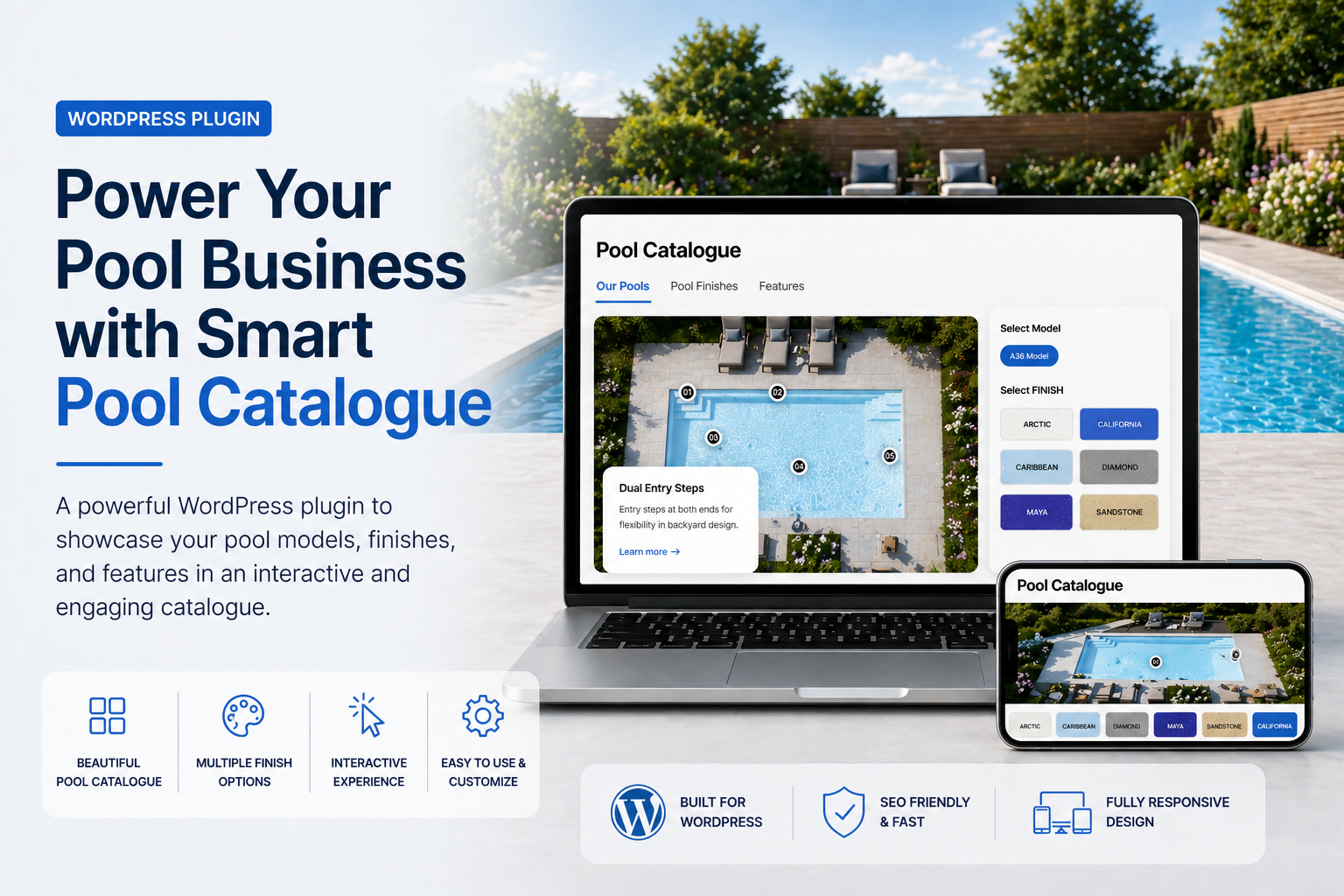
Most pool websites look great on the surface — but behind the scenes, they’re missing something critical. They show pools. But they don’t help customers choose one. That’s the problem I ran into on a recent client project — and why I built a custom solution.
The problem I faced
While working on a pool company website, I needed a way to present their pool models that was visually engaging, easy to navigate, informative for customers, and flexible for different variations.
What I found was that most websites were using static images, basic galleries, PDFs, or cluttered product pages. There was no real interactive experience.
Customers couldn’t explore different finishes, understand features, visualize variations, or feel confident in their choice. And that leads to one thing: lost leads.
The realisation: The issue wasn’t just design — it was lack of interaction. Customers don’t want to just see a pool. They want to explore it. They want to click, compare, understand features, and visualize options.
Introducing the Pool Catalogue Plugin
The Pool Catalogue plugin was built to turn a static pool listing into an interactive experience. Here’s what it does:
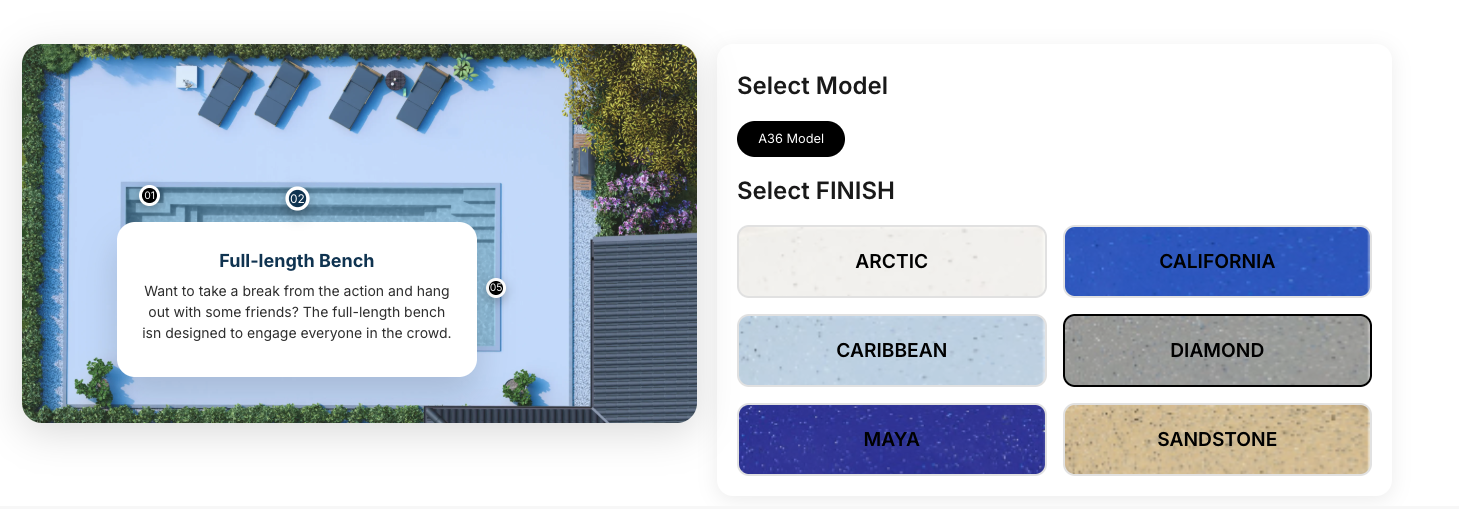
Hotspot feature points
You can add clickable hotspot points directly on the pool image to explain seating areas, depth zones, and special features. Visitors hover or tap to reveal details without leaving the page.
Finish variations
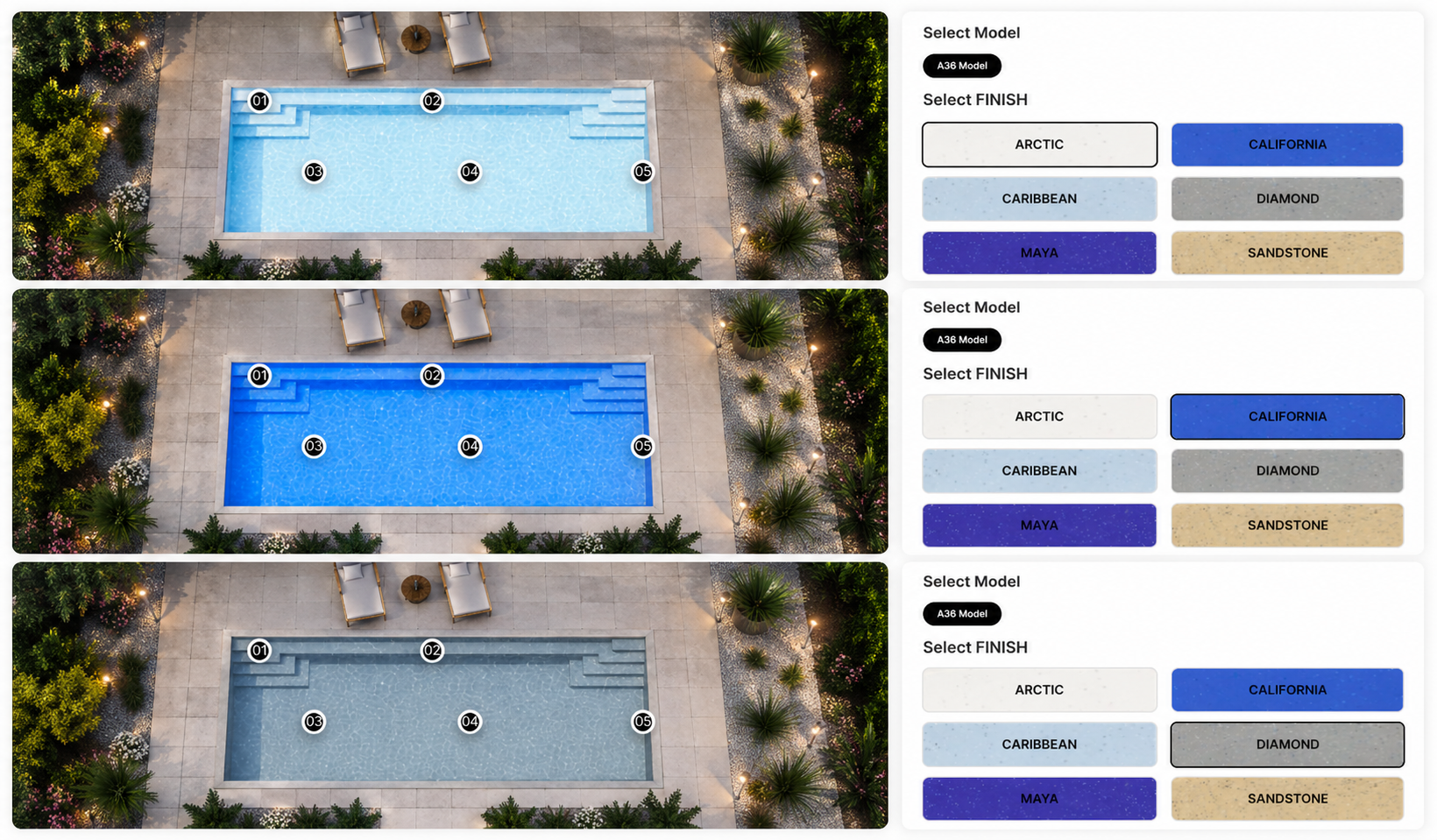
Users can switch between different pool finishes — Arctic, California, Caribbean, Maya — and instantly visualize how the pool looks in each option. No page reload, no confusion.
Everything else it does
Display multiple variations of the same pool model in one clean view.
Auto-generated catalogue page with grid layout, pagination, and filters.
Customers narrow down exactly what they want without scrolling through everything.
Drop
[pools_catalogue] anywhere — any page, builder, or theme.Why this matters for pool businesses
This isn’t just about design. It’s about how customers make decisions. When users can interact with a pool, explore its features, and compare finishes, they stay longer on your site, understand your product better, and feel more confident — and that directly increases inquiries.
Interactive elements keep visitors engaged — exploring options instead of bouncing.
Customers who’ve already explored finishes and sizes come in with a clearer brief.
Most pool websites are still using static images. This stands out immediately.
Free download
Get the free Pool Catalogue Plugin for WordPress.
Showcase pool models, finishes, sizes, and interactive hotspots on any WordPress website.
